Run your shop from one place.
Record sales, and track stock and customer accounts in one place. Use it from your phone or computer.
From one end of the counter to the other
One counter, five stops. Scrolling pulls you in — each stop is the module that works at that spot.

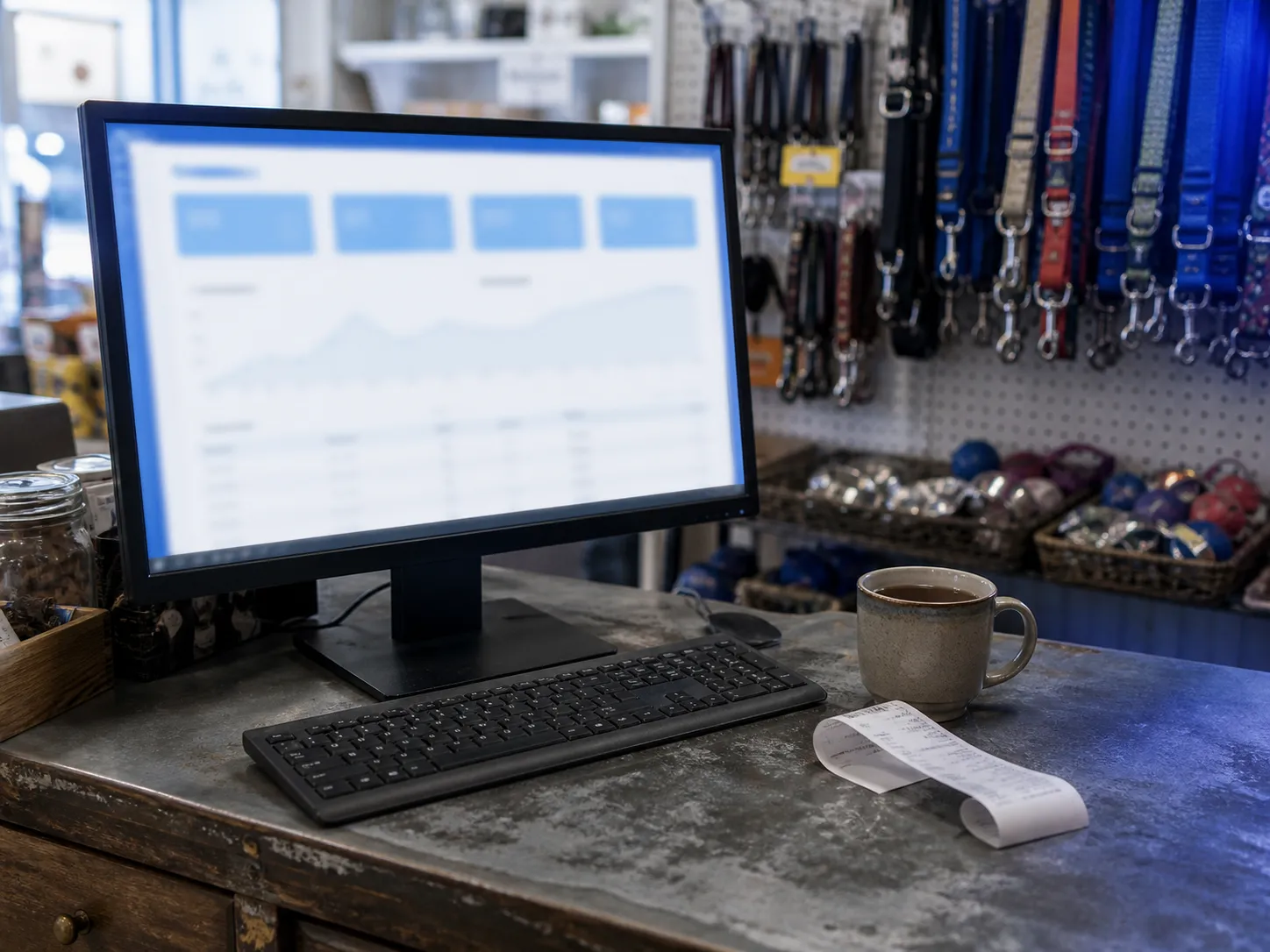
Open the day on the panel
Today’s sales, risks, and balances on one screen.
You don’t need to open a report to see which account is waiting.
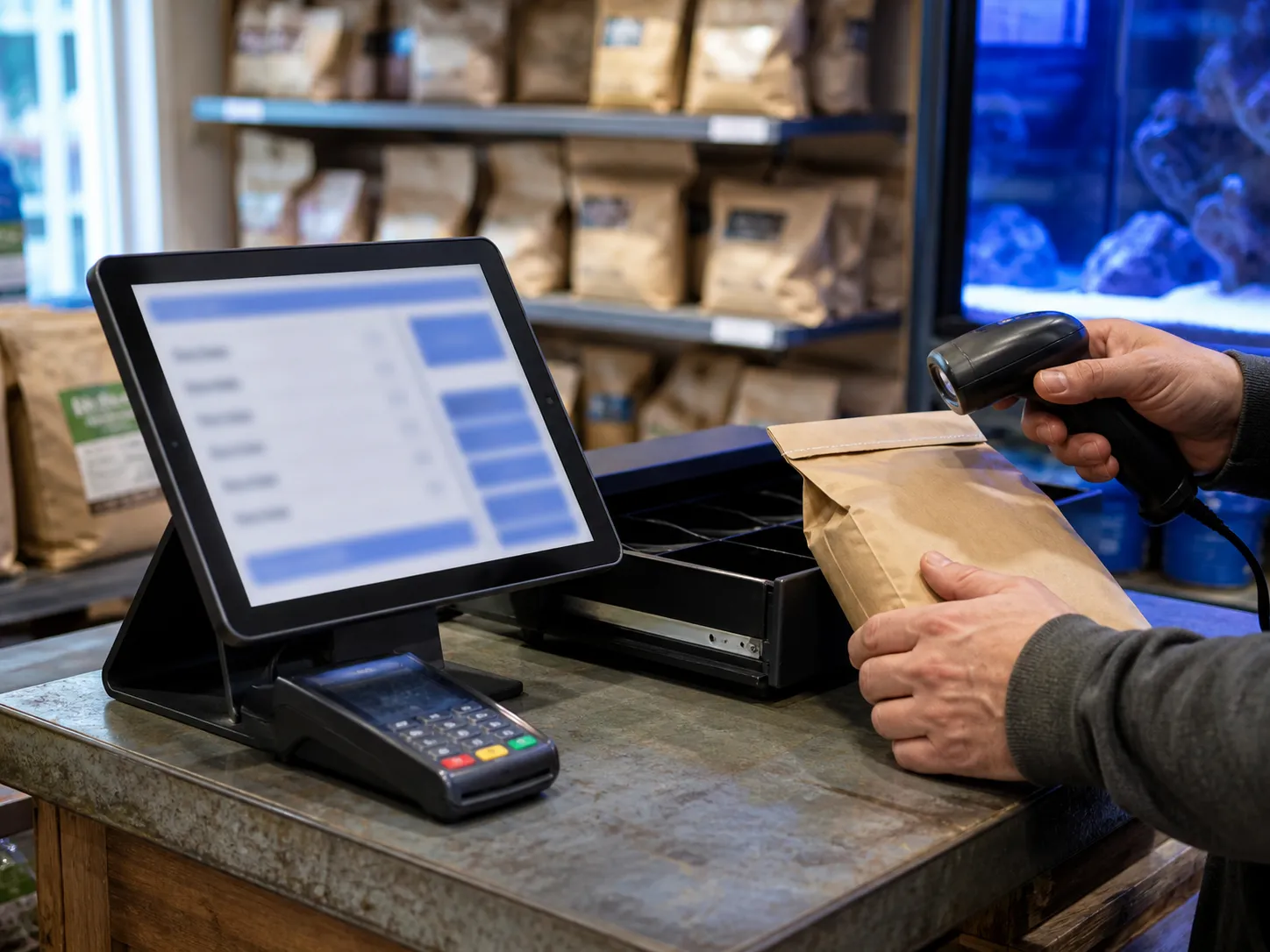
The sale ends at the counter
Cash or credit — stock and balances stay correct.
Counts, low stock alerts, and orders live in the same place.
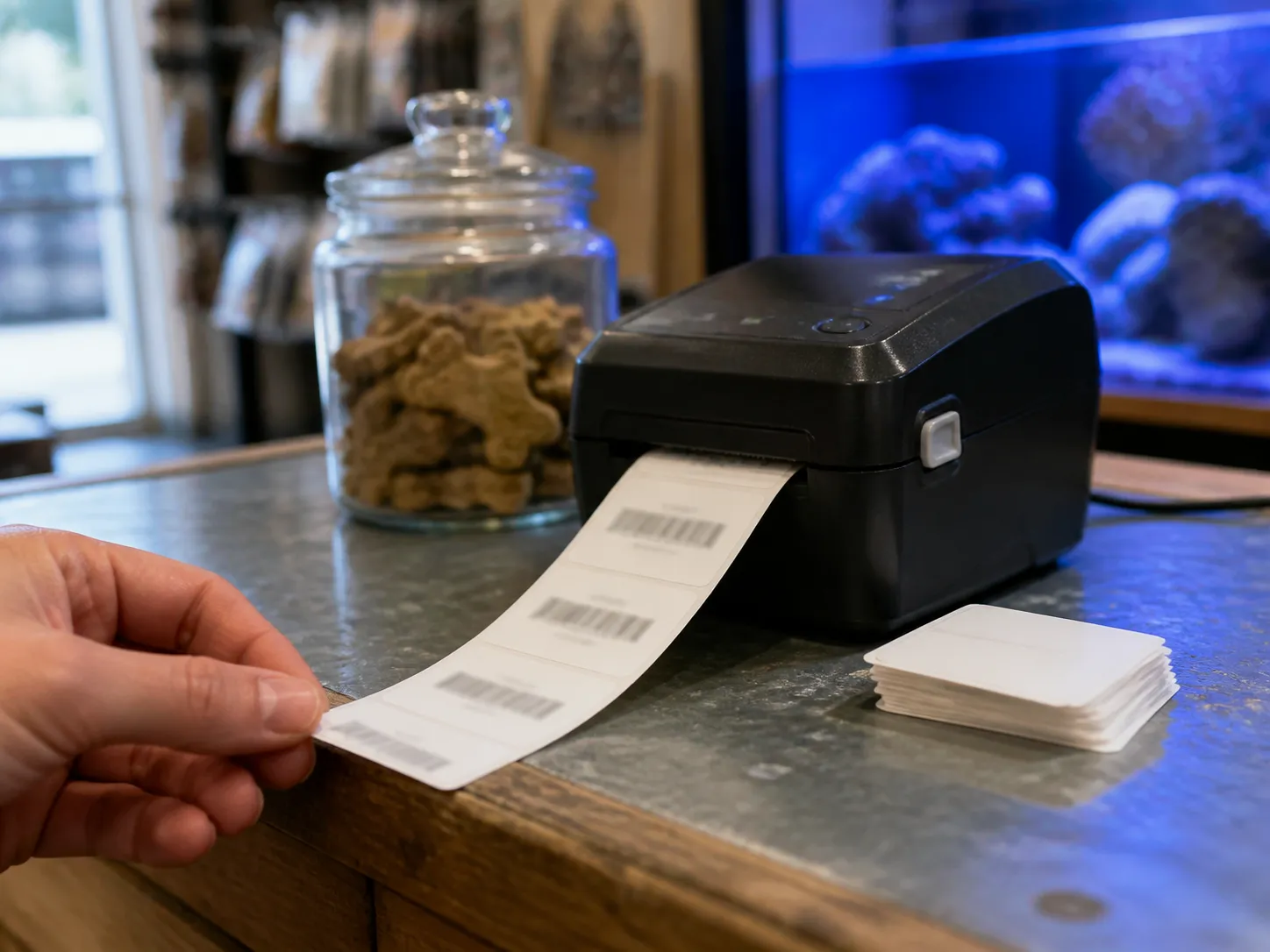
Tags and barcodes print at the counter
Price tags and barcodes print straight from the product card.
Everything that reaches the shelf carries a barcode that scans.
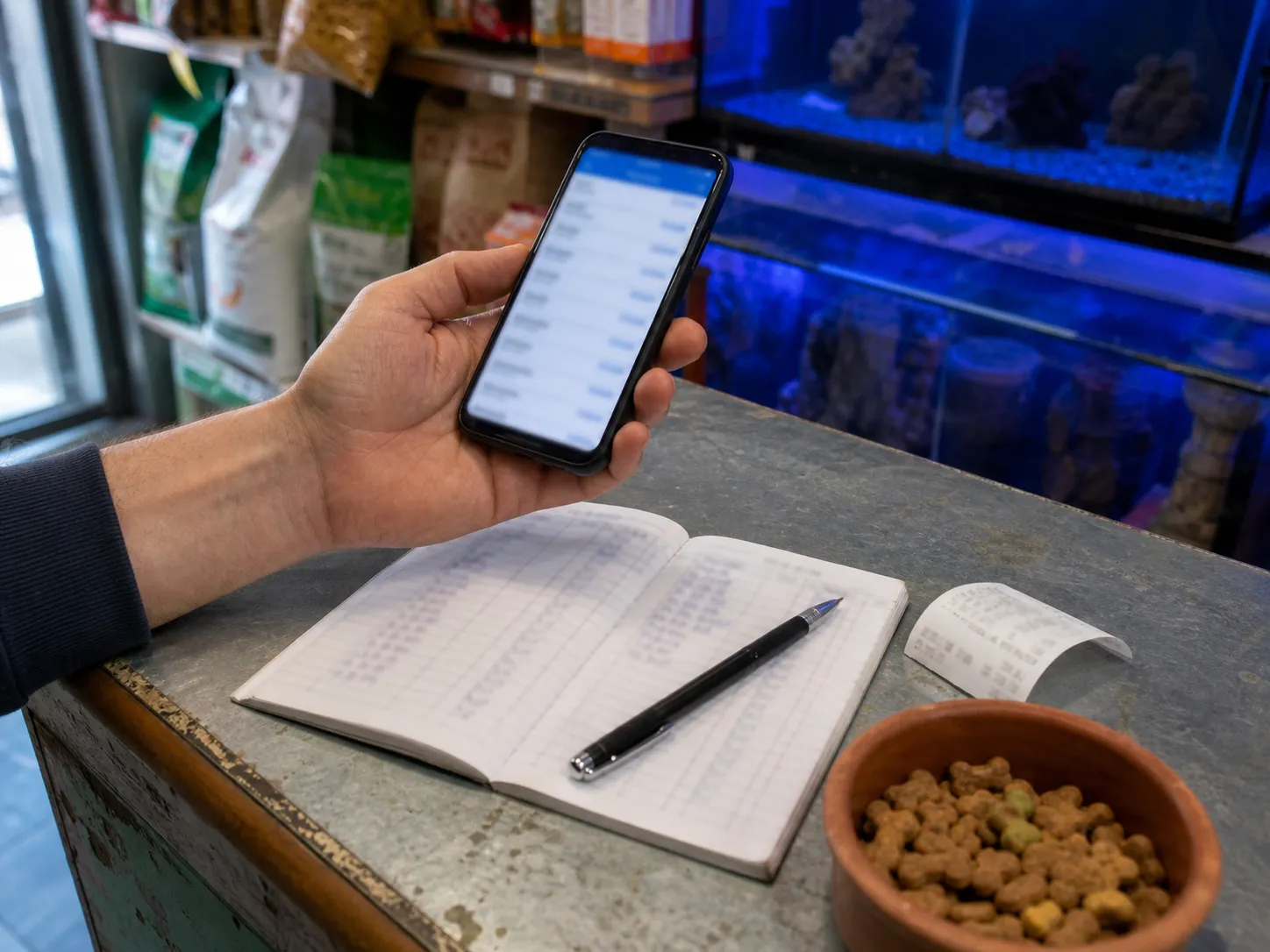
The notebook moves to the phone
Tabs are opened and settled inside the store.
Contacts, history, and statements sit on the customer card.

Nothing is left hanging
Contacts, follow-ups, and pipeline in one list.
When the day closes, you know who to call next.


Notebooks, WhatsApp, and separate cash or expense apps. None of them talk to each other.
Stock is wrong, sales do not update balances, and the till lives in another tool. The shop needs one system for the whole day.

One busy hour. Sale, stock, balance — recorded once.
The rush does not wait for paperwork. Everything that happens at the counter lands in the same place, the moment it happens.

Scan and sell
Ring up the basket at the counter. Stock drops as the sale is recorded — no second entry at the end of the day.
Put it on the tab
Regulars who pay later get a balance instead of a notebook line. The customer sees the same number you do.
Stock speaks up
As the shelf empties, the items running low surface on their own. You know what to reorder before you run out.
Close the till
Cash in, cash out, expenses. The day's total is already there when you lock the door.
See today’s shop before it gets busy.
Open the panel for sales, cash, stock risks, and open customer balances before the rush.

Panel
6 august 2026 · updated 14:32
Quick actions
- New sale
- Cash register
- Collect payment
- Add expense
| TYPE | CUSTOMER | AMOUNT | TIME |
|---|---|---|---|
Sale | Ayşe Yılmaz | ₺420,00 | 14:18 |
Paid | Mehmet Demir | ₺380,50 | 13:52 |
Credit | Fatma Kaya | ₺2.150,00 | 12:40 |
Sale | Hasan Şahin | ₺185,00 | 11:05 |
Three steps for the day.
Daily operations
- PanelToday’s sales, risks, and balances
- InventoryCounts, low stock alerts, orders
- Counter salesCash or credit — stock and balances stay correct
- CustomersContacts, history, statements
- Cash registerIn/out, accounts, collections — including document (checks)
- ExpensesPaid and unpaid shop costs linked to cash
Store modules
- Credit ledgerTabs and settlements inside StoreIn Store
- CRMContacts, follow-ups, and pipelineModuleStore PRO
- LabelsPrice tags and barcode printModuleStore PRO
- ReportsCredit, cash & expenses, stock, and CRM tabsStore PRO
Built for running the whole store
Venditorr is complete store management for local shops — credit, stock, cash, and expenses in one place
Customers & credit
Who bought on credit, who paid, and what is left — clear balances without a paper notebook.
Stock & counter sales
Sell products for cash or credit: stock decreases, payments post correctly, and balances stay in sync.
Cash, expenses & reports
Track the till (including document accounts for checks), record shop expenses, and review tabbed Store PRO reports.
Questions shops ask
Straight answers on plans, data, and daily use.
Still stuck?
Contact support
Open a shop account. Most people are set up within five minutes.
Complete store management for the counter — sales, stock, cash, expenses, and balances. Modules when you need them.
Try free for 15 days- 15-day free trial
- Try sales, stock, and customer accounts together
- No credit card required